





Microsoft Teams phone system
The Microsoft Teams phone system is leading the charge when it comes to simplifying communication and collaboration across the digital workplace. That’s right, you can now make and receive calls from any landline or mobile number, directly from the Teams application.
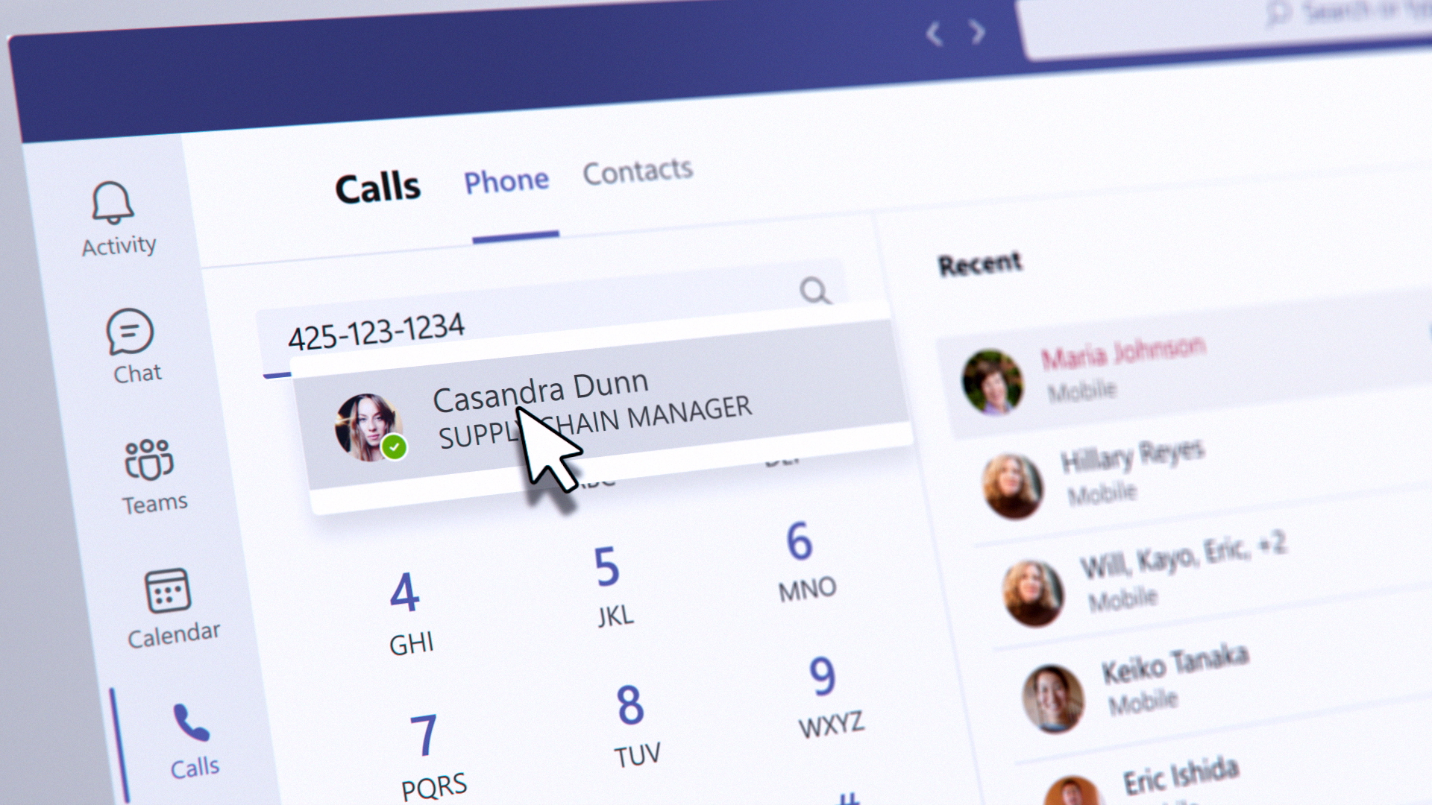
Modernise your workplace with a Microsoft Teams Phone system
A Microsoft Teams phone system connects your telecoms services to the Microsoft Teams app, providing the power to call people outside of your Microsoft 365 business domain and the flexibility to access your calls from any internet-enabled device.
In essence, a Microsoft Teams Phone System makes it easy for businesses to turn Teams into a powerful and flexible phone system by connecting it to a feature-rich resilient operator connect platform. It’ll help you save time, reduce costs, improve business performance and empower your team with a collaborative experience by facilitating calls, chat and meetings - all in one place.
All it requires is a Microsoft 365 Business Voice license or Teams Phone license and Operator Connect, and this will give you the ability to call externally from your Microsoft Teams phone app. The app will display your business phone number, provide call insights and deliver all the other amazing benefits you’d expect from a business phone system.
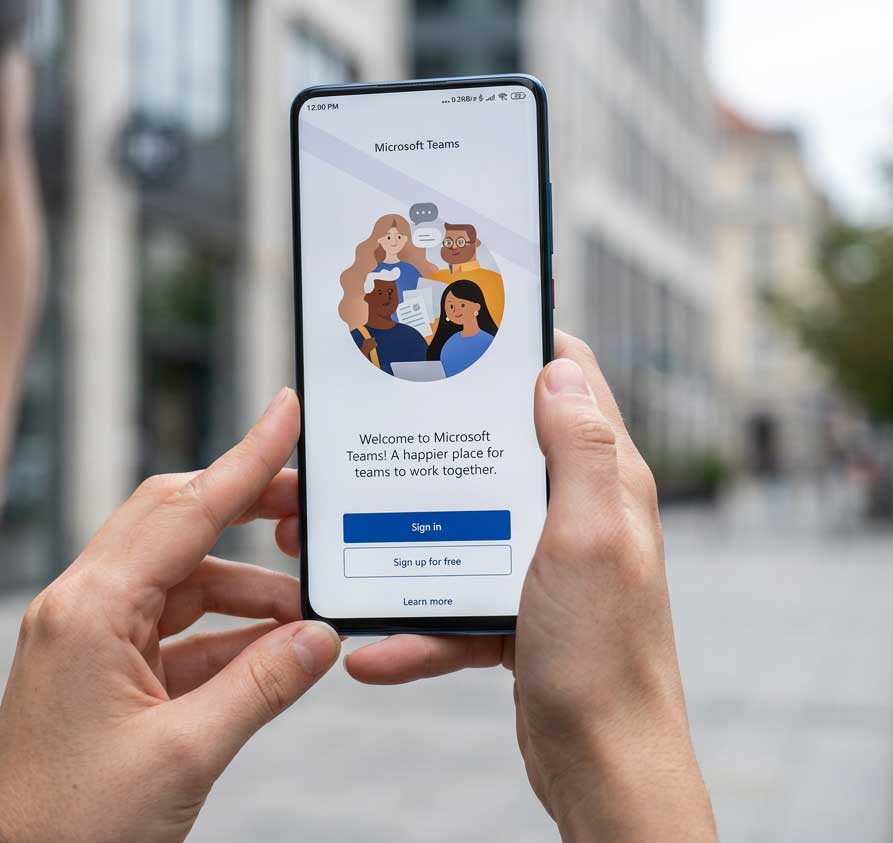
Can a Microsoft Teams phone replacement my traditional phone system?
Initially Microsoft Teams provided a service for video conferencing, it was thought to lack key telephony features which meant that other services were required to ensure clear communication within an organisation and with customers. The Microsoft Teams app has developed into powerful tool for any business, and can now also be integrated with cloud telephony to build a hosted phone solution capable of taking calls from outside your organisation. Using internet connectivity and call routing services, an Microsoft Teams phone system can give businesses the ability to make and receive calls from contacts outside your Microsoft 365 domain, using a range of devices.
Traditional phone lines are being switched off by 2025, a Microsoft Teams phone system is the perfect replacement for a traditional, in-house phone system, which can be costly and difficult to maintain. Operator Connect and SIP2Teams integrate with Microsoft Teams and use the internet for voice calls, instead of legacy copper based telephone lines. It’s cost-effective, reliable, scalable and packed with call management features and an abundance of business benefits.

What are the benefits of a Microsoft Teams phone system?

Flexibility
Unify your business communications and switch to a Microsoft 365 Teams Phone System. Adopt a cloud phone system that fully scales to the size of your business, and houses all your collaboration tools in one place. Let Focus Group help your business grow with an easy-to-use, cost effective and scalable solutions that allows your employees to work-anywhere.

Insight
The power is in your hands with the Microsoft Teams phone system. Your Teams phone has a wealth of integrations that allow for call, recording and contact analytics, offering unprecedented insight into how your call services are performing, Teams becomes not only a collaborative platform, but also a game-changing optimisation tools for building an ultra-responsive customer experience.

Collaboration
Working on a single platform means your teams can manage a huge portion of their daily work all in one place – whether that’s liaising with customers over the phone, holding video meetings with suppliers, syncing calendars, discussing projects with colleagues using the chat function or sharing files. It’s all possible on Microsoft Teams with an integrated phone system.

Advanced call control
A Microsoft Teams Phone System offers a comprehensive set of call management features that enhance communication and collaboration within your business and ensure customers satisfaction. Advanced call management features streamline communications, improve productivity, and enhance the overall calling experience, with a host of call routing capabilities, calls can be directed to the appropriate individuals or departments based on predefined rules and criteria.

Cost effective
Teams phone calling presents a cost effective solution to IP based calling. As a unified communications solution, the Microsoft Teams phone system is completely cloud based, removing the need for physical hardware, which means no maintenance fees, no physical purchases and low setup costs. Teams calling comes at a low costs per user, centralising all features into a single platform, including instant messaging, internal and external calling and video conferencing.

Work anywhere
Microsoft Teams is available on almost any device and can be used from anywhere as long as you have a stable internet connection. So why not take advantage of this with your phone system as well! The Microsoft Teams phone system integrates with your Microsoft Office 365 business accounts, allowing users to make and receive calls at any time from any location. This creates a fully hybrid solution that houses all the tools your employees could ever need in one unified solution.
Everything you need for a modern workplace
Microsoft Teams phone system integration
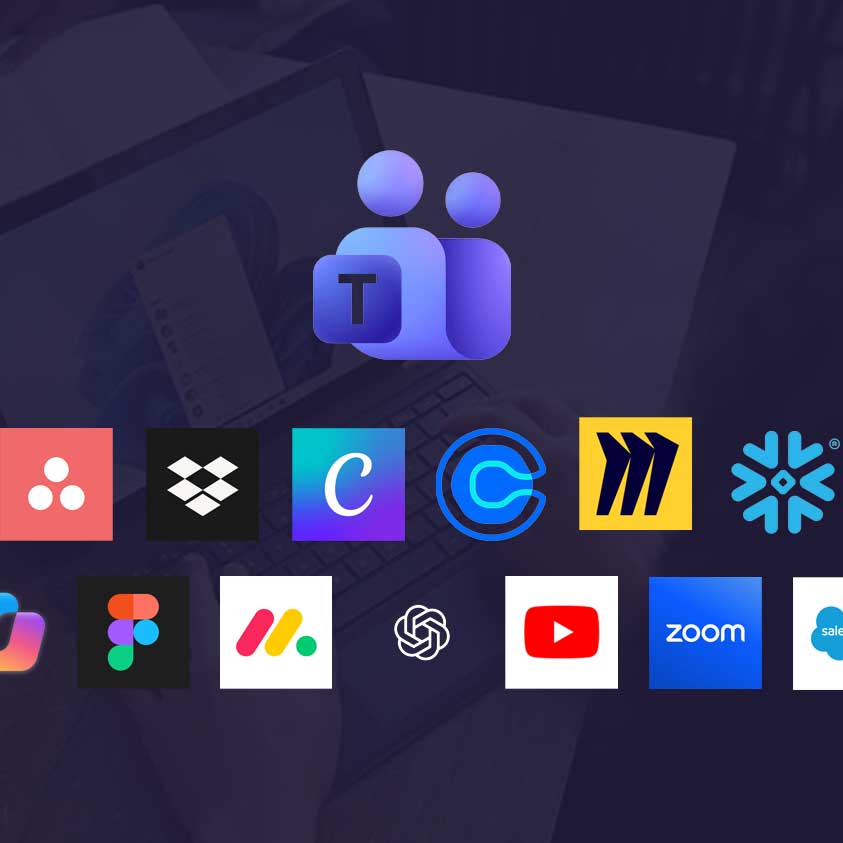
Integrating Microsoft Teams with Operator Connect turns your Teams app into a complete communications platform, bringing together instant messaging, file sharing, video meetings and business phone calls in one place. Employees can easily switch between chats, video calls and external calls without needing multiple tools, making communication simpler and improving productivity. With features such as call routing, voicemail and call analytics, it's a flexible solution that can grow with your business.
The experts at Focus Group will take care of the setup and integration for you, connecting Operator Connect to your Microsoft 365 business environment. You'll benefit from all the collaboration tools Microsoft Teams offers, alongside a fully functioning business phone system that keeps your teams connected to customers and colleagues.
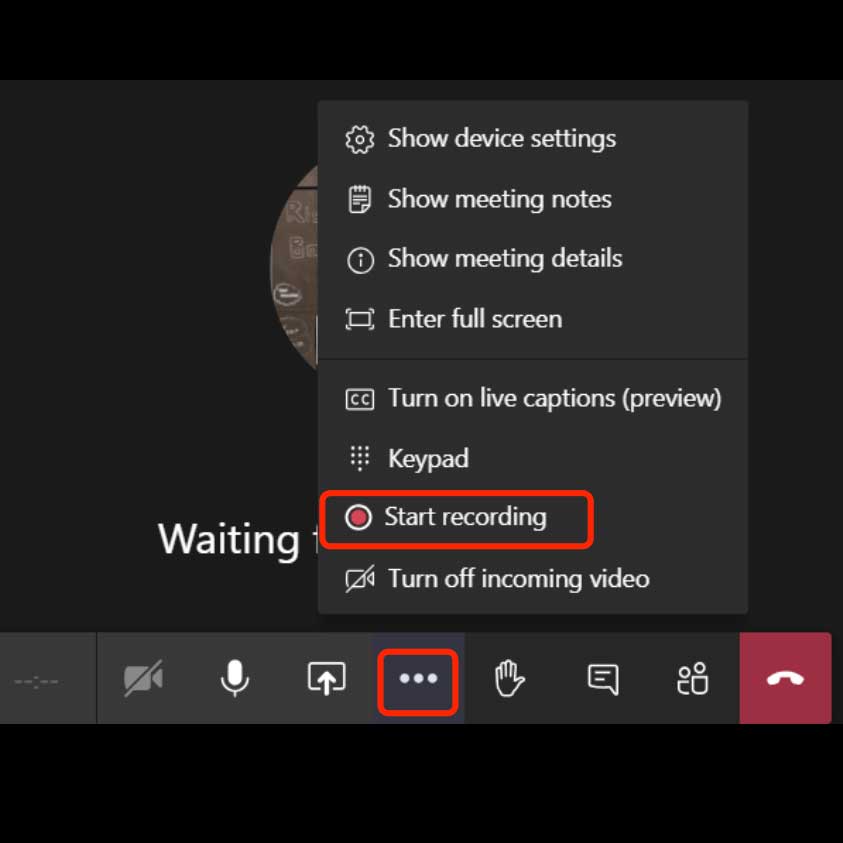
Add call recording to Microsoft Teams phones
Call recording for Microsoft Teams helps businesses capture and store conversations, including calls, meetings and screen sharing. It's easy to set up, with no additional hardware required. Recordings can be used for staff training, quality checks and compliance, and accessed by authorised users whenever needed.
For businesses that need to record calls for legal or compliance reasons, Teams call recording provides additional protection beyond standard Teams recording features. It also allows teams to review conversations, avoid missed details and resolve disputes or misunderstandings. This helps improve communication, support better decision-making and keep important business information on record.
What are my options for a Microsoft Teams phone system

Operator Connect

Microsoft Teams Direct Routing

Microsoft Teams calling plans

Horizon for Microsoft Teams
Download our digital brochure
Microsoft Teams phone system pricing
from £4.99/mth
- Ease of administration
- Seamless and integrated calling capabilities
- Keep your business number
- Call manager
- Voice channel
- DDI number
- Inclusive local, nations and mobile minutes
- Built to Microsoft Specification
Frequently asked questions
Customer stories
View customer stories


Switch to Focus Group by calling 0330 024 2003
AI solutions for businesses
Whether you're looking to improve customer experience or give your team the insights to turn conversations into revenue. Together our AI solutions drive growth.

Conversational intelligence
Conversational intelligence gives you a clear view of what is happening across calls, chats and emails. It turns every interaction into insight you can act on, highlighting emerging trends, common issues, and coaching opportunities. With smarter visibility, teams work with confidence and customers enjoy smoother, more consistent journeys.
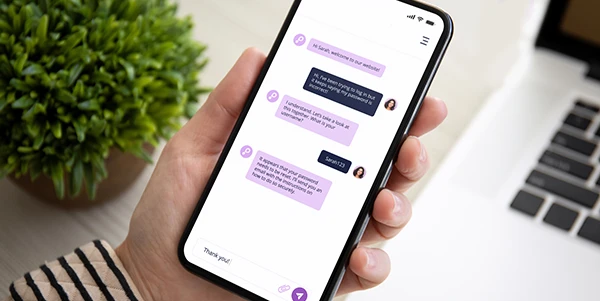
AI virtual agent
Agentic AI introduces a new standard for automation by carrying out tasks on behalf of your team, not just answering questions. It completes actions, updates systems, and guides full workflows – creating faster, more accurate experiences that handle the predictable so people can handle the important. Virtual agents